
You already have the equipment.
All you needed was a way to make the data useful. Connect your Garmin to ChartedSails and every sail becomes a debrief — races, legs, maneuvers, shared with your team automatically.
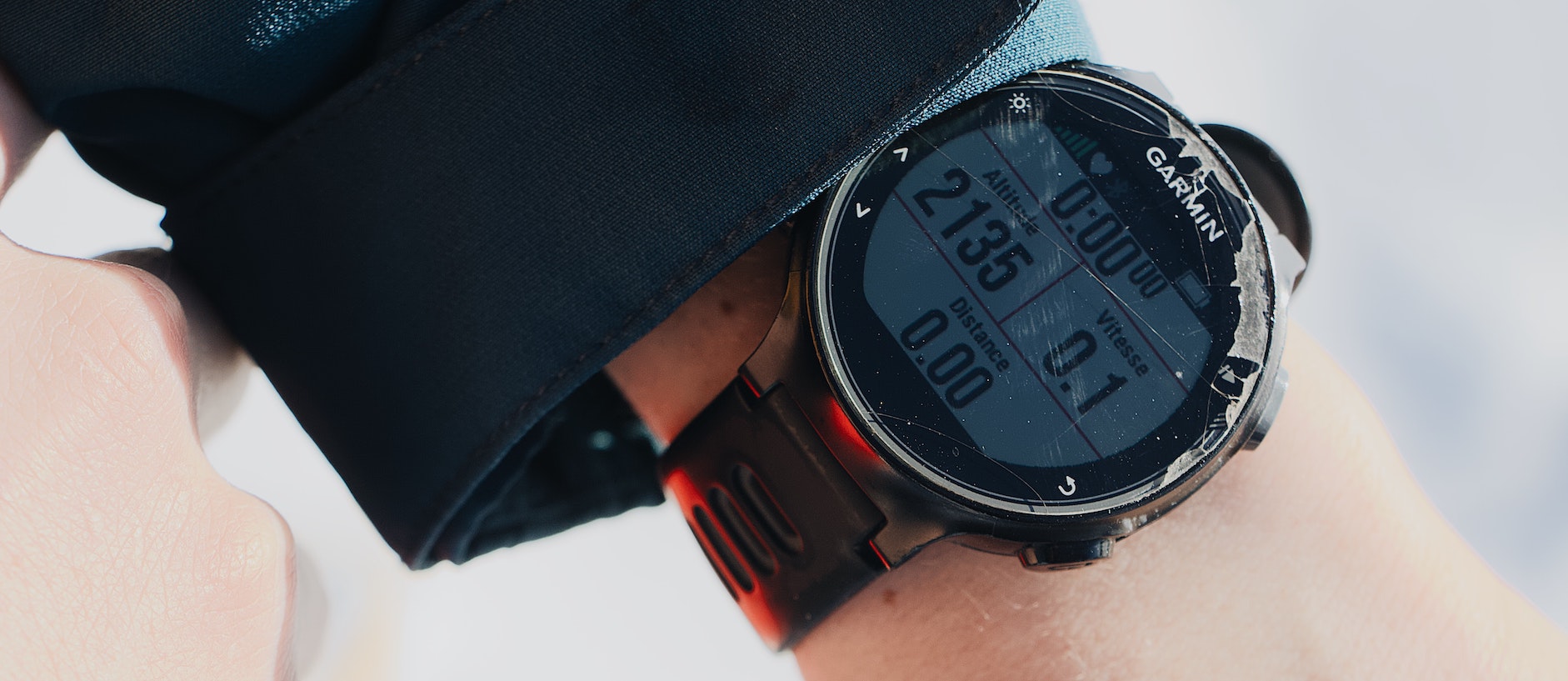
Built for the water, wired into your debrief
A sailing watch already records the run. ChartedSails just makes the numbers useful.
Automatic sync
Sessions appear in ChartedSails within minutes of finishing — no cables, no manual uploads.
Always on you
Your watch is waterproof and ready when you push off. Works with all modern Garmin watches.
Teamwork built in
Two minutes of setup and every sail lands in your group debrief alongside everyone else’s.
Lap = anything
Hit lap to mark any important moment: ping the marks, 5-minute timer, start, protest — anything.
From watch to debrief in four steps
Pick your watch
Any modern Garmin with the Sailing activity (or Other) works.
Sail & tap laps
Hit lap at the start gun and key marks. Done.
Data lands automatically
Connect once, your sessions appear in ChartedSails.
Debrief with the team
Share replays, compare laps and find the gains together.
Get set up in ten minutes
Connect Garmin in the ChartedSails app or website
Set up automatic synchronization between your Garmin and ChartedSails — from the mobile app or directly on chartedsails.com. Takes about 90 seconds.
Read the full guideCreate a Sailing activity on your watch
Add a Sailing activity type to your Garmin if it doesn’t have one built in. Required on some Forerunner models.
Read guideMark race starts with the lap button
Use the lap button on your watch to mark race starts. ChartedSails uses these to align gun time perfectly.
Read guideDownload an activity from Garmin Connect
Need to export old activities manually? Learn how to export a FIT file from Garmin Connect and drop it into ChartedSails.
Read guideWorks with the watch you already own
If your Garmin records GPS and exports a FIT file, ChartedSails can read it. That covers essentially every modern Garmin watch.
Don’t see yours? Email us — we test new models monthly.
Fenix series
Forerunner
Quatix (marine)
Tactix
Instinct
Epix / Marq
Four ways to record a sail. Pick the one that fits your kit.
ChartedSails is the destination — the device is up to you. Most sailors start with what’s already on their wrist, then upgrade when they want sharper data, mark pings or heel angle.
Basic (phone) GPS
A free tracker app, phone in your pocket
- Capture GPS1 Hz, often throttled
- Auto-syncs to ChartedSails
- Mark roundings / start pings
- 5-minute race timer
- ~Survives rail-meat dutyIf the case holds
- Heart rate during the race
- Heel & pitch measurement
Garmin watch
Any modern Garmin — Fenix, Forerunner, Quatix, Instinct…
- Capture GPS1 Hz
- Auto-syncs to ChartedSails
- Mark roundings / start pingsNot yet on Garmin
- ~5-minute race timerVia lap presses
- Survives rail-meat dutyWaterproof to 100m
- Heart rate during the race
- Heel & pitch measurement
ChartedSails mobile app
Phone mounted to the boat — bigger screen, full feature set
- Capture GPS1 Hz
- Auto-syncs to ChartedSailsNative
- Mark roundings / start pingsOne tap away
- 5-minute race timerBuilt in
- ~Survives rail-meat dutyIn a waterproof mount
- Heart rate during the raceVia paired sensor
- ~Heel & pitch measurementIf mounted firmly
Dedicated sailing GPS
Vakaros, Velocitek, Sailmon — paired with ChartedSails
- Capture GPS5–10 Hz
- Auto-syncs to ChartedSails
- Mark roundings / start pingsHardware button
- 5-minute race timerHardware timer
- Survives rail-meat dutyMarine-grade
- ~Heart rate during the raceSome models
- Heel & pitch measurementIMU on board
Quick answers
Which Garmin watches work with ChartedSails?
All modern Garmin watches work — every Fenix, Forerunner, Quatix, Tactix, Instinct, Epix and Marq released in roughly the last decade. If your watch records GPS and exports a FIT file, ChartedSails can read it.
Do I need the Sailing activity on my watch?
No. The Sailing activity is the cleanest option, but Other, Multisport, or any GPS activity works. We just need a FIT file with GPS tracks.
How does the automatic sync work?
Connect your Garmin Connect account once in the ChartedSails app. From then on, every sailing activity flows in automatically — usually within a few minutes of finishing.
Will my running activities show up in ChartedSails?
No — and that’s on purpose. By default we only import activities labeled as Sailing (or sailing-adjacent types), so your morning runs and rides stay out of your debriefs. Wear your Garmin all day if you like; you’ll see your sails in ChartedSails and everything in Garmin Connect. If you accidentally recorded a sail as a Run, you can manually import that single activity from Garmin Connect — see the import guide above.
Will it use heart rate and lap markers?
Yes. We use heart rate as an effort overlay and lap presses as race-start and mark-rounding hints. ChartedSails still detects races automatically if you forget the lap button.
What about Garmin marine MFDs and chartplotters?
Different integration — those export NMEA. Today we focus on Garmin watches. For NMEA logs, see the SignalK guide.
Can I import old Garmin activities?
Yes. Download the FIT file from Garmin Connect (Activity → gear → Export Original) and drag it onto ChartedSails. The full guide is above.
Connect your Garmin. Sail at 1pm, debrief at 5.
Setup takes about 90 seconds. Free with any ChartedSails plan, including the trial.