
Sailing with an Apple Watch (2026): The Best App and Workflow
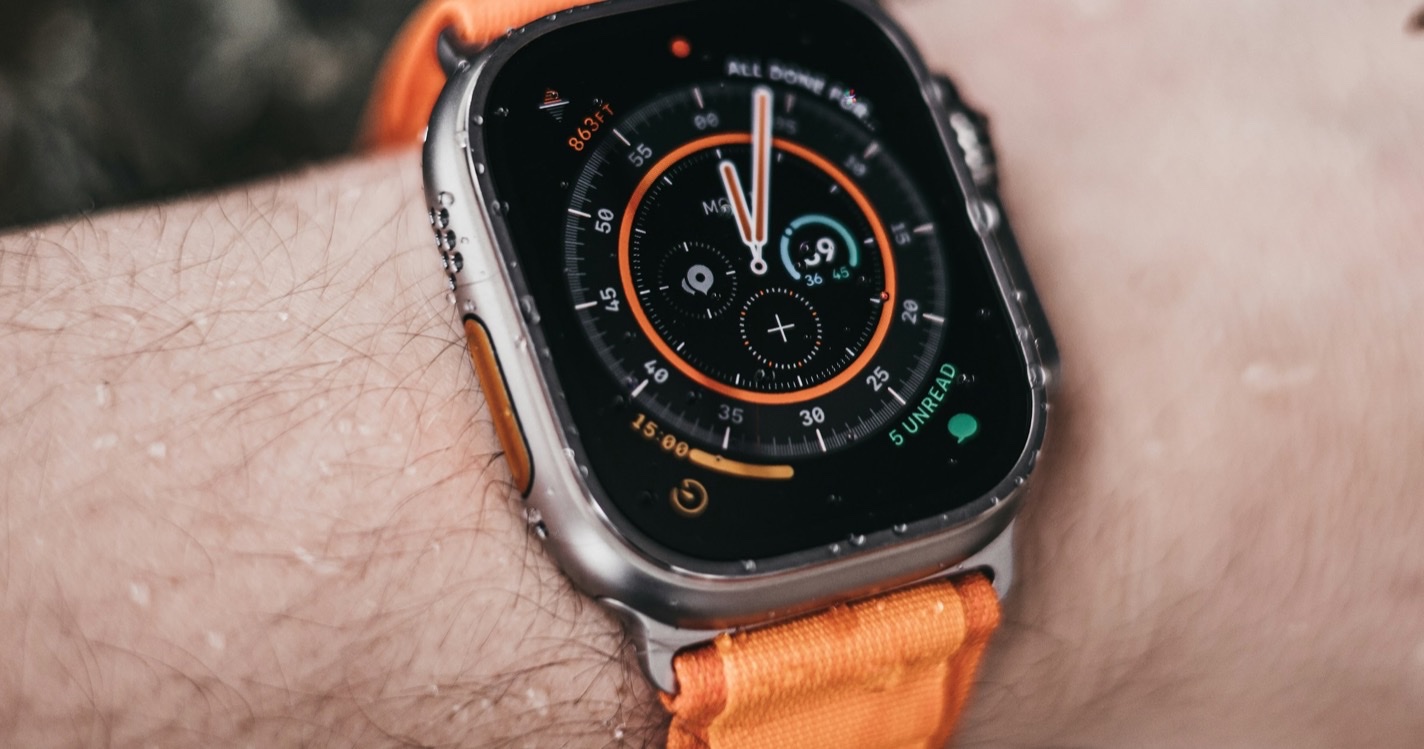
The Apple Watch is a great sailing GPS tracker hiding in plain sight. Recent models have multi-band GPS, are water-resistant well past anything a dinghy sailor needs, and they're already on the wrist of half the boat. The catch: Apple's built-in Workout app doesn't have a "Sailing" activity, and the GPX tracks it produces are awkward to export.
We've tried every Apple Watch sailing app on the market. Today, the best workflow for ChartedSails is Open GPX Tracker.
Why Open GPX Tracker
Open GPX Tracker is a watchOS app that does one thing well: it records your GPS track and exports it as a clean GPX file you can drop into ChartedSails (or anywhere else that takes GPX). It's free, has no ads, and the same app we recommend to iPhone-only sailors. Compared to alternatives:
- The built-in Workout app records a track, but Apple makes the GPX hard to extract — you need a third-party tool to pull it out of the Health export.
- WorkOutDoors is excellent for general outdoor sports but is built around live navigation, not race-quality export.
- Open GPX Tracker is purpose-built for "record now, export later" — which is exactly what ChartedSails needs. And the Apple Watch version is genuinely well-made, not an afterthought.
Apple's GPS hardware on the watch is excellent, especially on the Ultra and the Series 8 and later (multi-band L1+L5). The bottleneck for sailing isn't the watch — it's the app.
How to record a sail
- Charge your Apple Watch fully the night before. Continuous GPS for a full racing day will drain a Series-7-class watch by the end; an Ultra or Series 10 has comfortable headroom.
- Install Open GPX Tracker from the App Store. The watch app installs automatically when you install the iPhone app.
- In the iPhone app's settings, set the Activity Type to Fitness — that bumps the GPS sample rate up, which matters for clean tack and gybe detection in ChartedSails.
- Install the ChartedSails mobile app on the same iPhone if you haven't already — that's what registers as an "Open In..." target for GPX files in step 8.
- On your watch, open Open GPX Tracker and tap Start before you leave the dock.
- Sail.
- When you're back, tap Stop on the watch. The recorded GPX syncs to the Open GPX Tracker app on your iPhone automatically.
- Open the iPhone Open GPX Tracker app, find the session, tap the share button, and choose Open In... → ChartedSails. The ChartedSails app receives the file and imports it straight into your account.
If you're sailing with crew or other boats, everyone can do the same and ChartedSails will line up the tracks side-by-side. This is the simplest way to get a multi-boat training debrief without buying a single piece of extra hardware.
Recording tips for racing
- Water lock on, GPS at full power. Don't put the watch in low-power mode during a race.
- Start the recording before the warning gun, not at the start signal. We want the prestart maneuvering captured — that's where most of the lessons live.
- Stop the recording at the dock, not at the finish. Final approach data is useful for sanity-checking the track.
- One file per race day is fine. ChartedSails will detect multiple races within a single track. You don't need to start and stop between races.
What you can do in ChartedSails afterwards
Once your Apple Watch GPX is uploaded, ChartedSails treats it exactly like any other sailing track:
- Full track replay with speeds and headings at every second.
- Automatic maneuver detection — every tack and gybe, with entry / exit speeds and VMG loss.
- Race detection — start line, beats, runs, mark roundings, leg-by-leg numbers.
- Wind detection from the track shape, so you get true wind angles and VMG without an instrument feed.
- A shareable Sailing Report PDF for the day.
Will ChartedSails have its own Apple Watch app?
Yes — we're working on it. The current Open GPX Tracker workflow is reliable, but it's two apps and a manual export step. A first-party ChartedSails Apple Watch app would record, sync over the iPhone app, and land on your dashboard automatically — the same experience our Garmin sync gives today.
If you want to be notified when it's available, drop us a line and we'll add you to the early-access list.
Sailing with other devices
ChartedSails works with most sailing GPS hardware. If you also race with one of these, set them up the same way:
- Sailing with a Garmin watch — Fēnix, Forerunner, Instinct
- Sailing with a Vakaros Atlas — Atlas 2 and Atlas Edge
- Sailing with a Velocitek Prostart — Prostart and SpeedPuck